
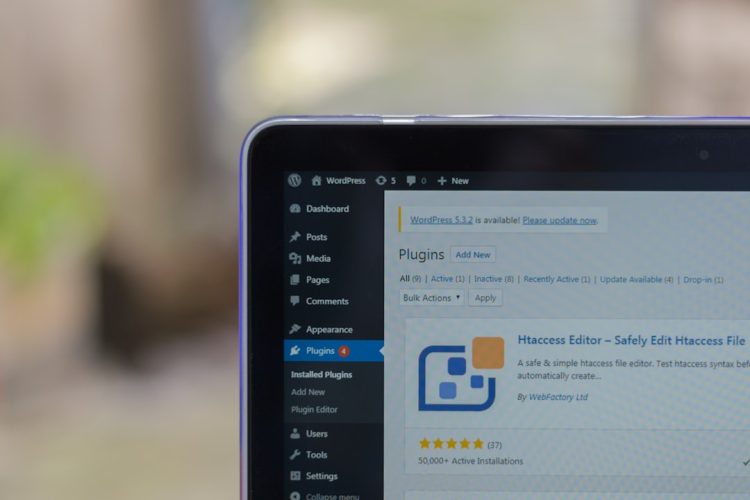
When you construct a website on the WordPress platform, you are not merely assembling a digital storefront or artistic portfolio; you are laying the foundation for a structure that will serve a multitude of purposes. Think of WordPress itself as the blueprint and the underlying framework – robust and well-designed, but requiring specific tools and materials to transform it into a fully functional and aesthetically pleasing edifice. Plugins are these essential tools and materials, extensions that add functionality, improve performance, and bolster security. Without them, your website, while functional, would be like a house with just four walls and a roof, lacking the plumbing, electricity, and decorative elements that make it truly livable and appealing.
This article will guide you through the essential WordPress plugins that every website owner should consider integrating into their digital construction project. These are not optional embellishments; they are the cornerstones of a successful online presence, helping you to manage your content efficiently, engage with your audience, protect your digital asset, and ensure its visibility in the vast expanse of the internet.
Your website, like any valuable property, is a target. Neglecting security is akin to leaving your front door wide open in a bustling city. Fortunately, a robust defense against malicious actors and unwanted intrusions is achievable through the judicious use of security plugins. These plugins act as your digital guardians, employing a multi-layered approach to keep your site safe and sound.
Proactive Malware Scanning and Removal
Imagine a security guard who patrols the perimeter of your property, constantly vigilant for any signs of trouble. Malware scanning plugins perform a similar role for your website. They regularly probe your site’s files and databases for any suspicious code or infections that could compromise its integrity or lead to data breaches.
Automating the Patrol
Many security plugins offer automated scanning, meaning you don’t have to manually initiate these checks. This is crucial, as threats can emerge at any time. The plugin will diligently scan your site at preset intervals, detecting potential malware, viruses, and backdoors. This proactive approach allows for early intervention, significantly reducing the risk of a successful attack.
The Detective Work
When a threat is detected, these plugins often provide detailed reports, acting like a detective uncovering evidence. They pinpoint the exact location and nature of the malicious code, enabling you to take targeted action. Some advanced plugins can even automatically quarantine or remove the detected threats, performing the equivalent of a swift and decisive response to neutralize the danger.
Fortifying Your Login Access
The login page of your WordPress website is a critical entry point. If it’s not adequately protected, it becomes a prime target for brute-force attacks, where attackers repeatedly try to guess your username and password.
The Digital Bouncer
Login security plugins act as a digital bouncer, controlling who gets into your site. They can implement measures like limiting the number of failed login attempts from a specific IP address, thereby preventing attackers from endlessly trying to guess credentials. This simple yet effective measure can thwart a significant portion of automated attacks.
Two-Factor Authentication: The Extra Lock
For an even stronger layer of security, consider implementing two-factor authentication (2FA). This is like having an extra lock on your door that requires not just a key, but also a secondary verification, such as a code sent to your phone. When enabled, logging in will require not only your password but also a time-sensitive code generated by an app or sent via SMS. This drastically increases the difficulty for unauthorized access, even if your password is compromised.
Keeping Your Site Updated: A Patchwork of Security
WordPress, its themes, and its plugins are constantly being updated, much like a city regularly repairs its infrastructure. These updates frequently include security patches that address newly discovered vulnerabilities.
The Importance of the Latest Blueprints
Running outdated versions of WordPress, themes, or plugins is akin to using old blueprints that have known structural weaknesses. Attackers actively scan for these vulnerabilities. Security plugins often provide notifications and facilitate one-click updates, ensuring you can apply these crucial patches promptly.
Automatic Updates: The Invisible Maintenance Crew
Some security plugins offer automatic update features for core WordPress files, themes, and plugins. This acts as an invisible maintenance crew, ensuring that your site’s defenses are always up-to-date without requiring your constant manual intervention. While it’s generally advisable to back up your site before major updates, automated updates can be a lifesaver for busy website owners.
In addition to exploring the top WordPress plugins every website needs, it’s also essential to consider the performance of your hosting environment. A related article that delves into this topic is about the benefits of upgrading to faster NVMe storage for business plans. This upgrade can significantly enhance your website’s speed and reliability, making it a crucial aspect of your overall web strategy. You can read more about it in the article here: Upgrade to Faster NVMe Storage for Business Plans.
Optimizing Your Website for Speed and Performance
In the digital realm, speed is paramount. Visitors have notoriously short attention spans, and a slow-loading website is like a pothole on a busy highway – it frustrates drivers and makes them seek alternative routes. Speed optimization plugins are the asphalt smoothers and engine tuners of your website, ensuring a fast and seamless experience for your visitors.
Caching: The High-Speed Lane
Caching is the process of storing frequently accessed website data in a temporary location so it can be served faster on subsequent requests. Think of it as pre-loading popular items at a restaurant; when a customer orders them, they are ready to go immediately.
The Static Copy
Caching plugins create static HTML copies of your dynamic WordPress pages. When a visitor requests a page, the server can deliver this pre-built static version much faster than it can generate the page on the fly by querying the database and processing PHP code. This dramatically reduces server load and speeds up page delivery.
Browser Caching: The Visitor’s Memory
Beyond server-side caching, browser caching allows a visitor’s web browser to store certain website files (like images and CSS) locally. When the visitor navigates to other pages on your site, their browser can load these files from its cache instead of re-downloading them, further accelerating the browsing experience. Caching plugins often facilitate the configuration of effective browser caching rules.
Image Optimization: Taming the Visual Giants
Images are crucial for engaging content, but unoptimized images are often the biggest culprits behind slow loading times. They are the oversized cargo that can jam up the delivery truck.
Compressing Without Compromise
Image optimization plugins automatically compress your image files, reducing their size without a noticeable loss in visual quality. This is achieved through techniques like lossless or lossy compression, effectively making these files lighter and faster to download.
Lazy Loading: The Patient Waiter
Lazy loading is a technique where images are only loaded when they are actually visible in the user’s viewport (as they scroll down the page). Imagine a waiter bringing out dishes only as guests are ready to eat them, rather than placing them all on the table at once. This significantly speeds up the initial loading of your page, as only essential above-the-fold content needs to be rendered immediately.
Database Optimization: Clearing the Clutter
Over time, your WordPress database can accumulate redundant data, such as post revisions, trashed items, and transient options. This accumulated debris slows down database queries, impacting your website’s overall performance.
The Database Janitor
Database optimization plugins act as a janitor for your website’s backend. They scan your database and identify unnecessary entries, allowing you to clean them up. Regularly performing these cleanups ensures that your database remains lean and efficient, leading to faster data retrieval.
Automated Maintenance Schedules
Many database optimization plugins allow you to schedule regular cleanup tasks. This ensures that your database is consistently maintained without requiring your manual intervention, just like scheduling regular trash collection for your home.
Enhancing Your Content with Advanced Features
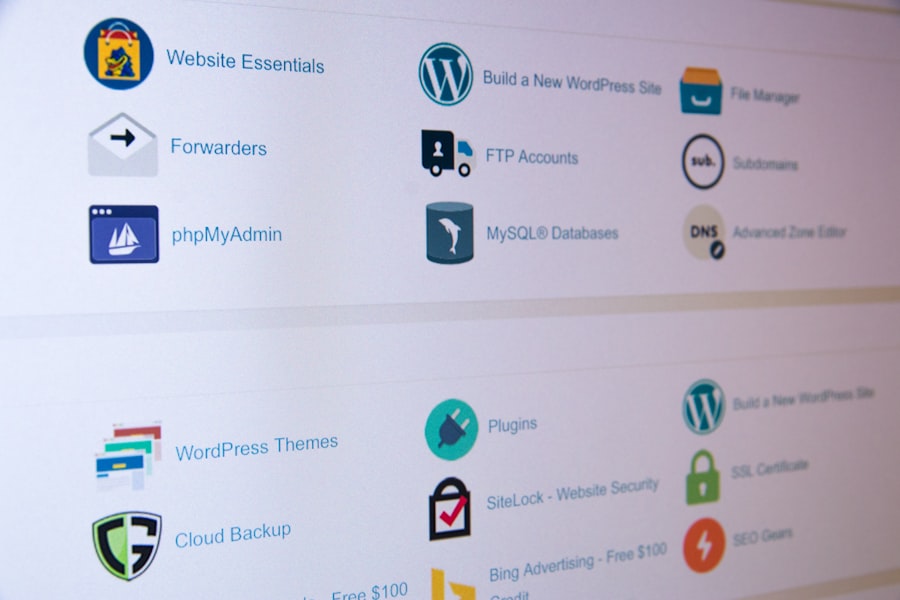
While WordPress offers a solid foundation for content management, certain plugins elevate your ability to create, organize, and present information, making your website a more engaging and informative destination for your audience.
Form Builders: The Two-Way Street of Communication
Forms are the architects of interaction on your website, enabling visitors to send you messages, sign up for newsletters, register for events, or provide feedback.
The Versatile Architect
User-friendly form builder plugins provide an intuitive drag-and-drop interface for creating custom forms. You can easily add various fields, such as text boxes, dropdown menus, checkboxes, radio buttons, and file uploads, without needing to write any code.
Conditional Logic: The Smart Navigator
Many advanced form builders offer conditional logic, allowing you to create dynamic forms. This means certain fields or sections of the form can appear or disappear based on the user’s previous selections. For example, if a user selects “Other” for a question, a text box for them to specify might appear. This streamlines the user experience and gathers more relevant information.
SEO Tools: Illuminating Your Path to Discovery
Search Engine Optimization (SEO) is the process of making your website more visible to search engines like Google. SEO plugins are your compass and map, guiding you through the complex terrain of online discoverability.
On-Page Optimization Guidance
These plugins analyze your content and provide recommendations for improving your on-page SEO. This includes suggesting relevant keywords to include, optimizing meta descriptions and titles, and ensuring your content is structured for readability. They act as your SEO advisor, pointing out areas where you can improve your visibility.
Sitemaps: The Digital Directory
XML sitemaps are files that list all the important pages on your website, helping search engine crawlers understand your site’s structure and index your content more effectively. SEO plugins automatically generate and update these sitemaps, submitting them to search engines. This is like providing a detailed directory to visitors (search engine bots) who are trying to navigate your website.
Content Analysis: The Editor’s Eye
Many SEO plugins offer a content analysis feature, providing a score or grade for your content’s SEO-friendliness. They highlight areas where your content might be lacking in terms of keyword density, readability, or internal linking, helping you refine your writing for better search engine performance.
Page Builders: Sculpting Your Visual Landscape
While the default WordPress editor is capable, page builder plugins empower you to create visually stunning and complex page layouts without any coding knowledge. They are the digital chisels and brushes that allow you to sculpt your website’s aesthetic.
Drag-and-Drop Design
Page builders offer a drag-and-drop interface where you can add elements like text blocks, images, buttons, and columns to your pages. You can then resize, rearrange, and customize these elements to achieve your desired design. This democratizes web design, making it accessible to everyone.
Pre-designed Templates: The Architectural Blueprints
Many page builders come with a library of pre-designed templates for various types of pages, such as landing pages, contact pages, and service pages. You can start with a template and then customize it to fit your brand and content, significantly speeding up the design process.
Ensuring User Engagement and Interaction
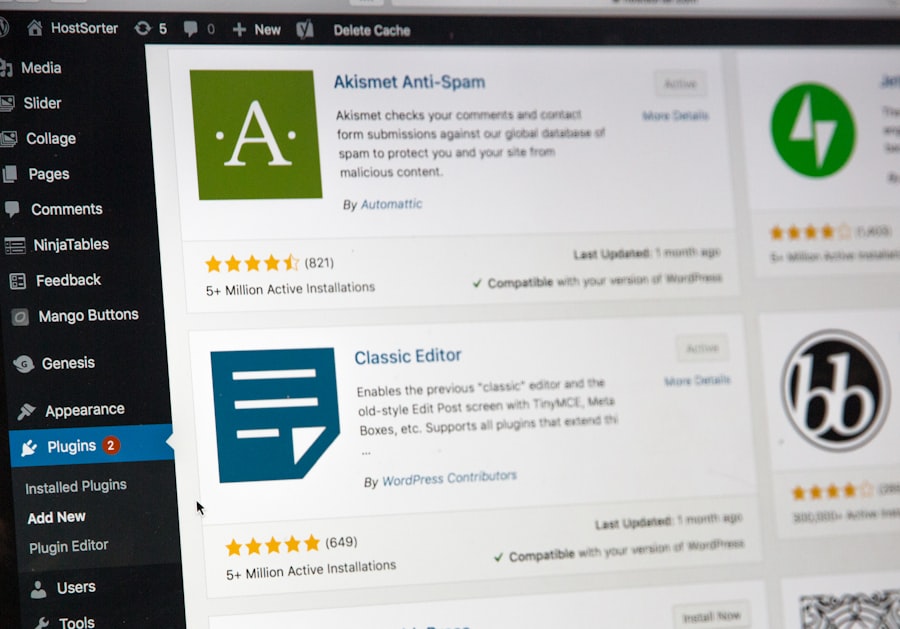
A website that merely presents information is like a book left unread on a shelf. Plugins that foster user engagement create a dynamic environment where visitors become active participants, leading to increased time spent on your site, higher conversion rates, and a stronger sense of community.
Social Media Integration: Bridging the Digital Divide
In today’s interconnected world, social media is an indispensable tool for reaching and engaging your audience. Social media integration plugins make it seamless to share your content and connect with your followers across various platforms.
Share Buttons: The Invitation to Spread the Word
These plugins add social sharing buttons to your blog posts, pages, and products. This makes it incredibly easy for visitors to share your content with their networks, effectively turning your visitors into impromptu advertisers. It’s like providing a megaphone for your audience to amplify your message.
Social Feeds: Displaying Your Online Presence
You can also use plugins to display your social media feeds directly on your website. This showcases your activity on platforms like Facebook, Instagram, or Twitter, providing visitors with a real-time glimpse into your brand’s presence and encouraging them to follow you there.
Commenting Systems: Fostering Dialogue
Traditional WordPress comments can sometimes be basic. Advanced commenting plugins offer enhanced features to create a more interactive and engaging discussion section.
Threaded Comments and Avatars: The Organized Conversation
These plugins often introduce threaded comments, allowing for more organized and natural-feeling conversations. They also typically support user avatars, giving a face to each commenter and fostering a sense of community. Imagine moving from a chaotic shouting match to a well-moderated panel discussion.
Spam Protection: The Gatekeeper of Quality
One of the persistent challenges with comments is spam. Many commenting plugins integrate with anti-spam solutions, filtering out malicious or irrelevant comments and ensuring that the discussion remains valuable and on-topic. This is the vigilant gatekeeper ensuring only genuine dialogue passes through.
Push Notifications: Reaching Out Directly
Push notifications are messages that appear on a user’s desktop or mobile device, even when they are not actively browsing your website. This is a powerful tool for direct communication.
The Digital Town Crier
Push notification plugins allow you to send targeted messages to your subscribers, informing them about new blog posts, special offers, or important updates. This is like having a digital town crier who can alert your community about important news.
Segmented Subscribers: Reaching the Right Ears
Some advanced plugins allow you to segment your subscribers based on their interests or engagement levels, enabling you to send more relevant and personalized messages. This ensures your message reaches the ears most likely to be interested, maximizing its impact.
If you’re looking to enhance your WordPress site, you might find it beneficial to explore the essential optimization plugins that can significantly improve your website’s performance. These tools complement the top WordPress plugins every website needs by focusing on speed and efficiency, ensuring that your site not only looks great but also runs smoothly. By integrating both sets of plugins, you can create a more robust online presence that attracts and retains visitors effectively.
Empowering E-commerce Functionality
| Plugin Name | Category | Key Features | Active Installations | Rating |
|---|---|---|---|---|
| Yoast SEO | SEO | On-page SEO analysis, XML sitemaps, Readability check | 5+ million | 4.9/5 |
| Akismet Anti-Spam | Security | Spam comment filtering, Automatic spam detection | 5+ million | 4.7/5 |
| WooCommerce | E-commerce | Online store setup, Payment gateways, Inventory management | 5+ million | 4.5/5 |
| Elementor | Page Builder | Drag & drop editor, Responsive design, Templates | 5+ million | 4.8/5 |
| Wordfence Security | Security | Firewall, Malware scan, Login security | 4+ million | 4.7/5 |
| Contact Form 7 | Forms | Multiple contact forms, CAPTCHA, Ajax-powered submitting | 5+ million | 4.1/5 |
| Smush | Performance | Image optimization, Lazy load, Bulk smush | 1+ million | 4.8/5 |
If your website’s purpose is to sell products or services online, then specific plugins are not just essential; they are the very engine of your business. E-commerce plugins transform your WordPress site into a fully functional online store.
The E-commerce Powerhouse: WooCommerce
For a comprehensive e-commerce solution, WooCommerce stands as the undisputed leader. It’s not merely a plugin; it’s a fully integrated platform that imbues WordPress with the capabilities of a dedicated online store.
Product Management: The Digital Showroom
WooCommerce allows you to easily add, categorize, and manage your products. You can upload product images, write descriptions, set prices, manage inventory, and even configure product variations (like size and color). It’s your digital showroom, meticulously organized and inviting.
Payment Gateways: The Secure Transaction Hub
Crucially, WooCommerce integrates with a wide array of payment gateways, allowing your customers to pay securely using credit cards, PayPal, and other popular methods. This ensures that your transactions are processed smoothly and safely, acting as the secure hub where financial exchanges occur.
Shipping and Tax Calculations: The Logistics Masters
The plugin automates complex shipping and tax calculations based on your specified rules and customer locations. This removes the manual burden from these critical logistical tasks, ensuring accuracy and compliance. It’s like having a team of logistics masters managing the intricacies of delivery and taxation.
Enhancing the Shopping Cart Experience
Beyond the core e-commerce functionality, plugins can further refine the customer journey within your online store.
Wishlists: The Customer’s Future Desires
Wishlist plugins allow customers to save products they are interested in for future purchase. This encourages repeat visits and provides valuable insights into customer preferences. It’s a gentle nudge for customers to bookmark their future treasures.
Product Reviews: The Social Proof
Product review plugins are invaluable for building trust and credibility. They allow customers to leave ratings and reviews for products, providing social proof that can significantly influence purchasing decisions for other potential buyers. This is the voice of your satisfied customers, vouching for your offerings.
By strategically selecting and implementing these essential WordPress plugins, you are not just building a website; you are crafting a robust, secure, and engaging digital presence. They are the essential components that elevate your WordPress site from a simple online presence to a powerful tool for communication, commerce, and community building. Remember, the right tools, wielded wisely, can transform even the most ambitious online project into a resounding success.
FAQs
What are WordPress plugins?
WordPress plugins are software add-ons that extend the functionality of a WordPress website. They allow users to add new features and customize their site without needing to code.
Why are plugins important for a WordPress website?
Plugins enhance a website’s capabilities by adding features such as SEO optimization, security, performance improvements, and contact forms. They help improve user experience and site management.
How do I install a WordPress plugin?
To install a plugin, log in to your WordPress dashboard, go to Plugins > Add New, search for the desired plugin, and click “Install Now.” After installation, activate the plugin to start using it.
Are all WordPress plugins free?
No, while many WordPress plugins are free, some offer premium versions with additional features and support. Users can choose based on their needs and budget.
Can too many plugins affect my website’s performance?
Yes, installing too many plugins or poorly coded ones can slow down your website and cause conflicts. It’s important to use only necessary plugins and keep them updated for optimal performance.









Add comment