
You’re probably reading this because you understand that a reliable website isn’t just a nice-to-have; it’s essential for your online success. When your website goes down, you’re not just losing visitors; you’re losing potential customers, revenue, and brand credibility. That’s where the backbone of your online presence, your web hosting, comes into play. And when you talk about rock-solid web hosting reliability, you must talk about data center redundancy.
Think of your data center as the physical home for your website. It’s a sophisticated facility housing the servers and infrastructure that keep your site accessible to the world. But just like any physical structure, it’s vulnerable to a multitude of threats – power outages, hardware failures, natural disasters, or even human error. This is where redundancy steps in, acting as your digital safety net, ensuring that even if one part of the system falters, your website remains accessible.
This article isn’t about the superficial; it’s about diving deep into how data center redundancy is the unsung hero of unwavering website availability. You’ll discover the intricate layers of protection that are deployed, the technologies that make it possible, and most importantly, what you should be looking for when choosing a web hosting provider who truly prioritizes your uptime.
At its core, data center redundancy is about eliminating single points of failure. It’s a proactive strategy of having duplicate or backup systems in place for every critical component. This isn’t a single, monolithic solution; instead, it’s a layered approach that addresses various potential points of failure. For you, the website owner, this translates into fewer “500 Internal Server Error” messages, less downtime, and a more consistent user experience for your audience.
Power Redundancy: Keeping the Lights On, Always
Imagine your website is a light bulb. Power is what keeps it illuminated. If the main power source to the data center is cut, your website, like your light bulb, goes dark. Power redundancy is the intricate system designed to prevent this from ever happening.
Uninterrupted Power Supplies (UPS) – The First Line of Defense
Your first encounter with power redundancy will likely be the Uninterruptible Power Supply, or UPS. Think of a UPS as a sophisticated battery bank. When the primary power source flickers or fails, the UPS instantly kicks in, providing a seamless transition of power to the servers and critical infrastructure. This isn’t a momentary flicker; UPS systems are designed to provide enough power for the data center to either ride out short-term power fluctuations or, more importantly, to allow for the graceful startup of more robust backup power solutions. The duration a UPS can sustain power varies, but its primary function is to bridge the gap.
Backup Generators – The Long-Term Solution
While UPS systems are excellent for immediate, short-term power, they won’t keep your website online indefinitely. That’s where backup generators come in. These are typically large, industrial-grade generators fueled by diesel or natural gas. Once the UPS detects a prolonged power outage, the generators automatically start up. They are designed to power the entire data center for extended periods, often days, ensuring that your website remains accessible even during widespread power grid failures. The transition from UPS to generator is also automated and happens in milliseconds, so your users won’t even notice. A well-maintained data center will have regular testing of these generators to ensure they are always ready.
Multiple Power Feeds from the Grid – Diversifying Your Incoming Power
Even the power grid itself can have issues. To combat this, reputable data centers often establish multiple, independent power feeds from different substations within the local power grid. This means that if one substation or transmission line experiences a problem, the data center can seamlessly switch to power from another, unaffected source. This diversification significantly reduces the risk of a localized power grid failure impacting your website’s uptime. It’s like having multiple roads leading to your home; if one is blocked, you have others to take.
Network Redundancy: Ensuring Your Website is Always Reachable
Even if your servers have power, they become useless if there’s no way for users to connect to them. Network redundancy is all about creating multiple pathways for data to flow to and from your website, ensuring it’s always reachable, no matter what happens to a particular network connection.
Multiple Internet Service Providers (ISPs) – Diversifying Your Internet Connectivity
Just as a single power feed is insufficient, a single ISP connection is a significant vulnerability. Leading data centers partner with multiple, geographically diverse ISPs. This means that your website’s traffic can be routed through various internet backbones. If one ISP experiences an outage, congestion, or undergoes maintenance, your traffic can be automatically rerouted through another provider, maintaining a continuous connection. This is often achieved through sophisticated Border Gateway Protocol (BGP) routing, which dynamically directs traffic to the most available path.
Redundant Network Cabling and Hardware – The Physical Infrastructure
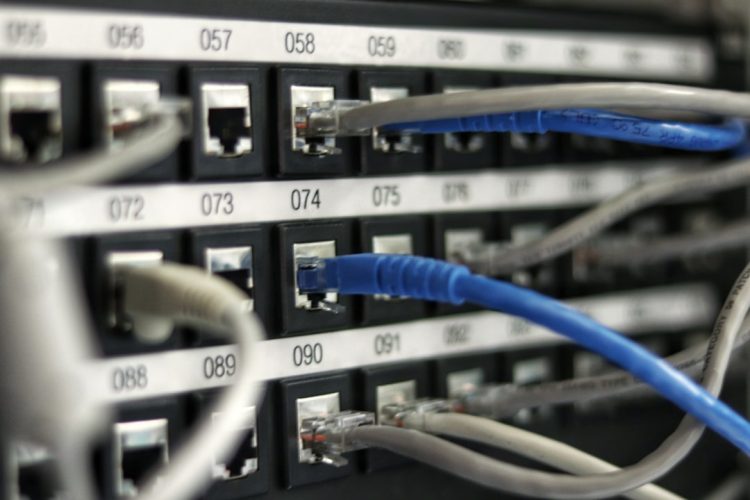
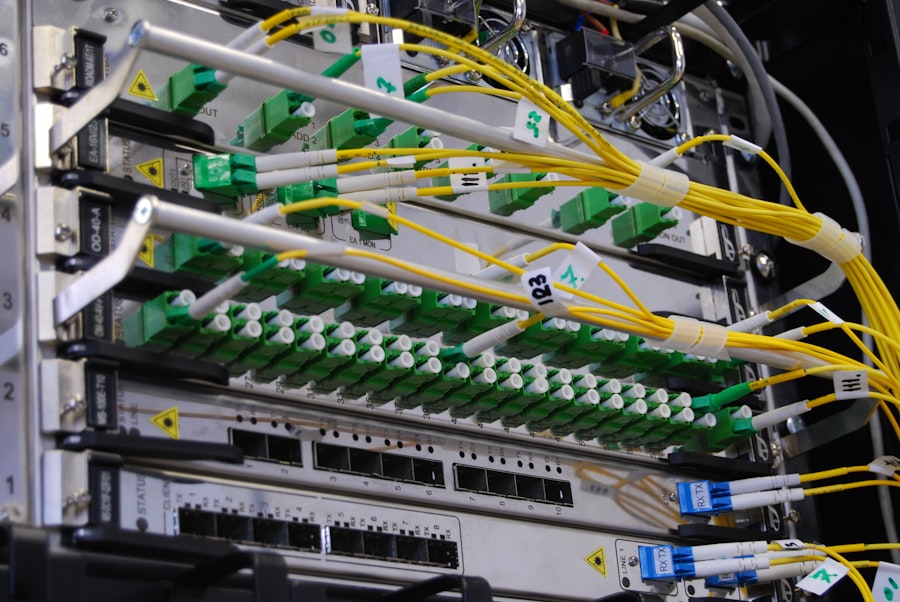
Beyond the ISP connections, the internal network infrastructure within the data center also needs to be redundant. This includes having multiple network switches, routers, and redundant cabling pathways throughout the facility. If a single network cable is accidentally cut or a switch fails, traffic can be rerouted through alternative paths and hardware, preventing any disruption to your website’s accessibility. Imagine the data center’s internal network as a complex road system; redundancy means having multiple lanes and alternate routes so traffic can always flow.
Load Balancing – Distributing the Traffic Efficiently
Load balancing is a key component of network redundancy. It involves distributing incoming network traffic across multiple servers. This not only prevents any single server from becoming overwhelmed, which can lead to performance issues or downtime, but also allows for seamless failover. If one server becomes unavailable, the load balancer automatically redirects traffic to the remaining healthy servers. This ensures that your website remains responsive and accessible, even during periods of high traffic or if a server encounters an issue.
Hardware Redundancy: The Unseen Strength of Your Servers
Your website lives on physical hardware – servers, storage devices, and network interface cards. Like any piece of machinery, these components can fail. Hardware redundancy ensures that a single hardware failure doesn’t bring your entire website down.
Redundant Power Supplies for Servers – No Single Battery Failure
Servers themselves often have redundant power supplies. This means that a server has two or more independent power supply units. If one power supply unit fails, the other(s) instantly take over, keeping the server operational without any interruption. This is a crucial layer of redundancy that often goes unnoticed by users.
RAID (Redundant Array of Independent Disks) Configurations – Protecting Your Data
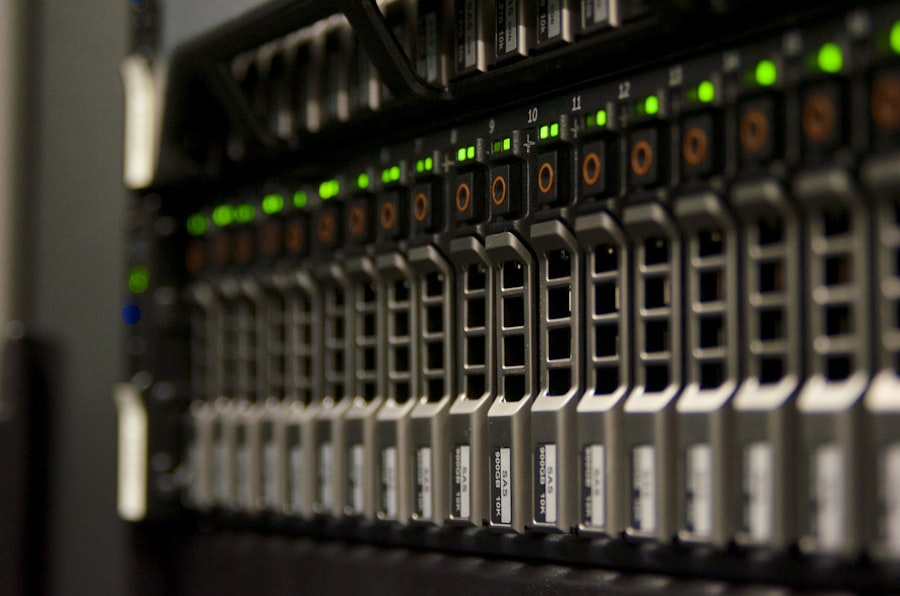
When it comes to data storage, RAID technology is the standard for redundancy. RAID configurations combine multiple hard drives into a single logical unit, offering fault tolerance. There are various RAID levels, each with different levels of redundancy and performance. For instance, RAID 1 (mirroring) writes identical data to two drives, so if one drive fails, the other has a perfect copy. RAID 5 and RAID 6 use parity information distributed across multiple drives to reconstruct data if one or more drives fail. This protects your website’s files and databases from being lost due to a single disk failure.
Redundant Components within Servers – Beyond Just Storage
Beyond power supplies and storage, leading hosting providers ensure redundancy in other critical server components. This can include redundant network interface cards (NICs), redundant cooling fans, and even redundant CPUs in high-availability server setups. The goal is to create servers that are incredibly resilient, capable of continuing operation even if a single component within them malfunctions.
Data Center Location and Geo-Redundancy: Protecting Against the Unexpected
While internal redundancy within a single data center is vital, it doesn’t protect you from external threats like natural disasters or regional infrastructure failures. This is where geographical redundancy, or geo-redundancy, becomes paramount.
Multiple Data Center Facilities – Diversifying Your Physical Presence
The most robust approach to geo-redundancy involves having your website hosted across multiple, geographically dispersed data center facilities. This means that if one data center is impacted by a major event – a hurricane, earthquake, or even a significant regional power grid failure – your website can continue to operate from another. This is often achieved through advanced replication and failover mechanisms that ensure data consistency across all locations.
Geographic Separation – Mitigating Regional Risks
The key to effective geo-redundancy is significant geographic separation between these data centers. They should be located far enough apart that a single regional disaster is unlikely to affect both simultaneously. This ensures a true backup in case of unforeseen events. For example, if your primary data center is on the East Coast, your secondary might be on the West Coast, or even in a different country.
Data Replication and Synchronization – Keeping Everything Up-to-Date
Simply having multiple data centers isn’t enough; your data must be consistently replicated and synchronized across them. This ensures that if a failover occurs, your website is running on the most up-to-date version of your data. Advanced replication techniques can be synchronous (data is written to all locations simultaneously) or asynchronous (data is written to the primary and then replicated to others with a slight delay). The choice depends on performance requirements and the level of risk tolerance.
When exploring the intricacies of data center redundancy in web hosting, it’s essential to consider how different hosting types can impact your website’s performance and reliability. For instance, understanding shared hosting can provide valuable insights into the trade-offs between cost and redundancy. You can read more about this in the article on shared hosting, which discusses its advantages and disadvantages in detail. This knowledge can help you make informed decisions about your hosting needs and ensure your website remains accessible even during unforeseen circumstances.
Disaster Recovery Planning (DRP) and Business Continuity Planning (BCP) – The Human Element of Resilience
While redundancy focuses on the technical infrastructure, Disaster Recovery Planning (DRP) and Business Continuity Planning (BCP) are crucial for ensuring a swift and effective response when something does go wrong. These are the documented strategies and procedures that hosting providers follow to minimize disruption and restore services as quickly as possible.
Comprehensive DR/BC Plans – The Playbook for Resilience
A reputable web hosting provider will have meticulously crafted DRP and BCP documents. These plans outline exactly what steps will be taken in various emergency scenarios, from hardware failures to natural disasters. They detail communication protocols, roles and responsibilities, and the order of operations for restoring services. You should inquire about their DRP/BCP.
Regular Testing and Audits – Ensuring Preparedness
Having a plan is one thing; ensuring it works is another. Leading hosting providers regularly test their DRP and BCP procedures through simulated disaster scenarios. This allows them to identify any weaknesses, refine their processes, and ensure their teams are well-trained and prepared. Regular audits also help ensure compliance with industry best practices and certifications.
Failover and Failback Procedures – Smooth Transitions
Within their DRP/BCP, clear failover procedures are defined. This is the process of automatically or manually switching operations from a primary site to a secondary or backup site. Equally important are failback procedures – the process of transitioning operations back to the primary site once it’s restored and stable. Well-executed failover and failback processes are critical for minimizing downtime and ensuring a seamless user experience.
In the realm of web hosting, understanding data center redundancy is crucial for ensuring high availability and reliability of services. For those looking to enhance their knowledge on web security, a related article that delves into the importance of SSL certificates is available. You can read more about the differences between Extended Validation (EV) and Domain Validation (DV) certificates, and determine which one suits your needs best by visiting this informative article.
What to Look For in a Hosting Provider: Your Checklist for Redundancy
Now that you understand the intricate layers of data center redundancy, you’re empowered to make informed decisions. Don’t just take a hosting provider’s word that they are “reliable.” You need to know how they achieve that reliability. Here’s your practical checklist:
Ask the Right Questions: Probing for Details
When you’re evaluating hosting providers, don’t be afraid to ask probing questions. Their willingness to be transparent about their redundancy measures is often a strong indicator of their commitment to reliability.
Inquire About Power Redundancy
- “Can you describe your power redundancy setup? Do you utilize UPS systems and backup generators?”
- “How often are your backup generators tested?”
- “Do you have multiple, independent power feeds from the grid?”
Investigate Network Redundancy
- “How many upstream ISPs do you connect to? Are they geographically diverse?”
- “What is your approach to internal network redundancy (e.g., redundant switches, routers)?”
- “How do you implement load balancing for your servers?”
Understand Hardware Redundancy
- “What RAID configurations do you use for storage?”
- “Do your servers have redundant power supplies?”
- “Are other critical server components (e.g., NICs) also redundant?”
Explore Geo-Redundancy and Disaster Recovery
- “Do you operate multiple data center facilities? Where are they located?”
- “How is data replicated and synchronized between your data centers?”
- “Can you provide details about your Disaster Recovery and Business Continuity Plans?”
- “How often do you conduct disaster recovery drills?”
Look for Certifications and Audits: The Mark of Trust
Reputable hosting providers often undergo third-party audits and certifications to validate their security and reliability practices. These offer an independent assurance of their commitment to redundancy.
Uptime Guarantees and Service Level Agreements (SLAs)
- Your hosting provider should offer a strong uptime guarantee, often expressed as a percentage (e.g., 99.9%, 99.99%). This is a contractual promise of their availability.
- Thoroughly review their Service Level Agreement (SLA). This document will detail the uptime guarantee, what constitutes downtime, and the compensation you’ll receive if they fail to meet their commitment. Pay close attention to the definitions and exclusions.
Industry Certifications
- Look for providers who have achieved relevant industry certifications such as ISO 27001 (Information Security Management), SOC 2 Type II (Service Organization Control), or others that demonstrate a commitment to robust infrastructure and security. These certifications often involve rigorous audits of their data center operations.
Transparency and Reputation: The Unwritten Guarantees
Beyond technical specifications, a provider’s reputation and transparency speak volumes.
Provider Transparency
- Does the provider openly share information about their data centers, security measures, and redundancy strategies? A provider that is willing to be open about these critical aspects is usually one that has confidence in their infrastructure.
- Are there case studies or testimonials from clients who have experienced their reliability?
Reputation and Reviews
- Research the provider’s reputation online. Look for independent reviews, forum discussions, and any reported incidents of significant downtime. While no provider is perfect, consistent negative feedback about reliability is a major red flag.
The Bottom Line: Investing in Your Digital Resilience
For you, the business owner, website owner, or developer, understanding data center redundancy isn’t just about technical jargon; it’s about investing in your digital resilience. It’s about choosing a partner who understands that your website’s availability is directly tied to your own success.
Choosing a web hosting provider with robust data center redundancy measures means you are choosing:
- Peace of Mind: Knowing that your website is protected against a multitude of potential failures.
- Consistent User Experience: Ensuring your visitors have the seamless and positive experience they expect, every time they visit.
- Uninterrupted Revenue Streams: Minimizing downtime directly translates to fewer lost sales and continued business operations.
- Brand Credibility: A reliable website builds trust and strengthens your brand’s reputation. Frequent downtime erodes it.
- Future Scalability: Data centers built with redundancy are typically designed for high performance and scalability, ensuring they can grow with your needs.
Don’t let a preventable outage derail your online efforts. By seeking out hosting providers that prioritize and demonstrate a clear commitment to comprehensive data center redundancy, you are not just buying a service; you are investing in the unwavering stability and success of your digital presence. Make redundancy a cornerstone of your hosting decision, and you’ll be building your online future on the most solid foundation possible.
FAQs
What is data center redundancy in web hosting?
Data center redundancy in web hosting refers to the practice of having backup systems and components in place to ensure continuous operation and minimal downtime in the event of hardware or software failures.
Why is data center redundancy important in web hosting?
Data center redundancy is important in web hosting because it helps to ensure high availability and reliability of websites and web applications. It minimizes the risk of downtime and data loss, which can have a significant impact on businesses and their customers.
What are the different types of data center redundancy?
There are several types of data center redundancy, including power redundancy, network redundancy, and hardware redundancy. Power redundancy involves backup power supplies such as generators and uninterruptible power supplies (UPS). Network redundancy involves multiple network connections to ensure continuous connectivity. Hardware redundancy involves duplicate hardware components to minimize the risk of failure.
How does data center redundancy affect web hosting performance?
Data center redundancy can positively affect web hosting performance by providing a more stable and reliable infrastructure. It helps to minimize downtime and ensure that websites and web applications remain accessible to users, even in the event of hardware or software failures.
What are some best practices for implementing data center redundancy in web hosting?
Some best practices for implementing data center redundancy in web hosting include conducting regular risk assessments, using redundant hardware and network components, implementing failover systems, and regularly testing backup and recovery procedures. It’s also important to work with a reputable web hosting provider that has a strong track record of reliability and uptime.









Add comment