

So, you’ve built a website, or you’re thinking about it. That’s awesome! But have you ever stopped to think about what’s underneath it all? I’m talking about web hosting. It’s the digital real estate where your website lives, and believe me, it has a surprisingly big say in how fast your site loads, how safe it is, and how well it performs in search results. Let’s break down why your web host matters so much, without all the jargon.
Think of your website like a physical shop. The web hosting is the building it’s in. If that building is rickety, in a bad location, or constantly under threat of break-ins, your customers (and potential customers) aren’t going to have a great experience, right? The same applies to your website. A good host provides a solid, secure, and accessible foundation. A bad one can lead to slow load times, security breaches, and a whole lot of frustration. It’s not just about getting your site online; it’s about keeping it running well.
Understanding the impact of web hosting on website speed, security, and SEO is crucial for anyone looking to enhance their online presence. For a deeper dive into how reliable web hosting services can maximize your online visibility and performance, you can read this insightful article: Maximize Your Online Presence with Reliable Web Hosting Services. This resource provides valuable tips and strategies to ensure that your website runs smoothly and efficiently, ultimately contributing to better search engine rankings and a more secure user experience.
Speed Kills (Your Conversions, Anyway)
This is probably the most immediate impact you’ll notice. Website speed isn’t just about impressing visitors; it’s a critical factor for keeping them engaged and moving them towards whatever action you want them to take, whether that’s buying something, signing up for a newsletter, or just reading more content.
How Hosting Directly Affects Load Times
Your web host dictates the physical location of the servers where your website’s files are stored. The further away a visitor is from these servers, the longer it takes for their browser to download all the necessary data to display your page. This is known as latency.
Server Location Matters
If your target audience is primarily in North America, hosting your website on a server in Australia is going to introduce unnecessary delays for those visitors. Many hosting providers offer geographically diverse data centers. Choosing a server location close to your primary audience can significantly reduce load times.
Server Resources and Performance
Every website needs computing power, memory (RAM), and storage space to operate. Your web hosting plan dictates how much of these resources are allocated to your site.
- Shared Hosting: This is like living in an apartment building. You share server resources with many other websites. While it’s the most affordable option, if one of your neighbors is hogging all the bandwidth or processing power, your site can slow down. It’s great for beginners or small sites, but you’re at the mercy of others.
- VPS (Virtual Private Server) Hosting: This is like having your own apartment within a larger building. You still share a physical server, but you have a dedicated slice of its resources. This offers more stability and control than shared hosting, leading to better performance.
- Dedicated Hosting: This is like owning an entire house. You have an entire physical server all to yourself. This provides maximum performance, control, and security, but it’s also the most expensive option. Ideal for high-traffic websites or those with very specific technical requirements.
- Cloud Hosting: This is a more modern approach. Your website is hosted across a network of interconnected servers. This offers incredible scalability and reliability. If one server goes down, others take over, and you can easily scale resources up or down as needed, which directly impacts speed under varying traffic loads.
Type of Hosting Infrastructure
The underlying technology of the server also plays a role. Newer, more powerful hardware (like Solid State Drives or SSDs compared to older Hard Disk Drives or HDDs) can significantly speed up data retrieval, which is crucial for fast page loading. Many modern hosts now exclusively use SSDs.
Caching and Content Delivery Networks (CDNs)
While not directly part of the server itself, your hosting provider often integrates or supports technologies that are vital for speed.
- Server-Side Caching: Some hosts offer built-in caching mechanisms on their servers. This means frequently accessed data is stored in a temporary, faster-access location, so it doesn’t need to be fetched from storage every single time.
- Content Delivery Networks (CDNs): Many hosting providers partner with or offer CDN services. A CDN is a network of geographically distributed servers that store cached copies of your website’s static content (images, CSS, JavaScript). When a visitor accesses your site, the CDN delivers this content from the server closest to them, dramatically reducing load times. Think of it as having mini-copies of your site’s most common parts available all over the world.
The Domino Effect of Slow Loading
It’s not just about the initial load. A slow website impacts:
- Bounce Rate: Users are impatient. If your page takes too long to load, they’ll leave before they even see what you have to offer. Google sees this as a negative signal.
- User Experience (UX): Frustrated users don’t convert. They won’t buy, sign up, or engage.
- Search Engine Rankings: Google explicitly states that page speed is a ranking factor. A slow site will likely rank lower than a faster competitor.
Fortifying Your Digital Fortress: Security is Non-Negotiable
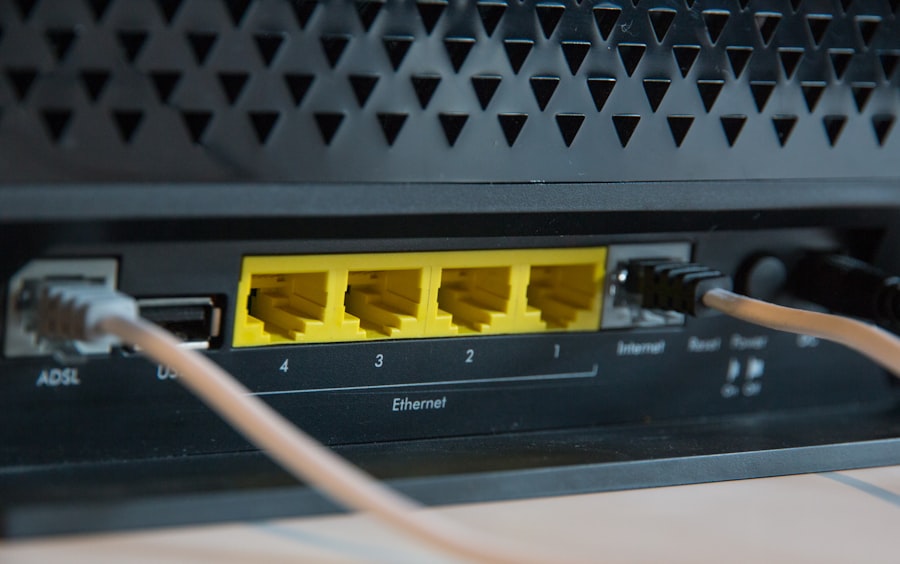
In today’s online world, security isn’t a luxury; it’s a necessity. Your web host is your first line of defense against digital threats.
What Security Features Should You Look For?
A good host takes security seriously. Here are some key areas:
Malware Scanning and Removal
Your host should have robust systems in place to scan for and help remove malware. This protects your site from malicious code that could harm your visitors or your reputation. Some hosts offer this as a proactive service.
Firewalls and Intrusion Detection
Server-level firewalls and intrusion detection systems are designed to block unauthorized access and identify suspicious activity before it can impact your website.
Regular Backups
This is absolutely crucial. If the worst happens – a hack, a server error, or even a mistake you make – having recent, reliable backups allows you to restore your site quickly. Understand your host’s backup policy: how often are backups performed, how long are they retained, and how easy is it to restore from them?
SSL Certificates
While you can get SSL certificates independently, many hosting providers offer them for free (often Let’s Encrypt) and make installation simple. An SSL certificate encrypts data transmitted between your website and its visitors, signified by the “https://” in the URL and the padlock icon. This is essential for trust and for SEO.
DDoS Protection
Distributed Denial of Service (DDoS) attacks aim to overwhelm your website with traffic, making it unavailable. Many good hosts have built-in or optional DDoS mitigation services.
The Cost of a Security Breach
The consequences of a security breach can be devastating:
- Data Loss: If sensitive customer data is compromised, you could face legal repercussions and a massive loss of trust.
- Reputational Damage: A hacked website is a huge red flag for visitors. It erodes confidence and can be incredibly difficult to recover from.
- Search Engine Penalties: Google will often de-index (remove from search results) sites that are known to be infected with malware or engaging in malicious activity.
- Downtime: A hacked site will likely be taken offline by your host until it’s cleaned up, meaning lost business and traffic.
SEO Power-Up: How Your Host Influences Search Rankings
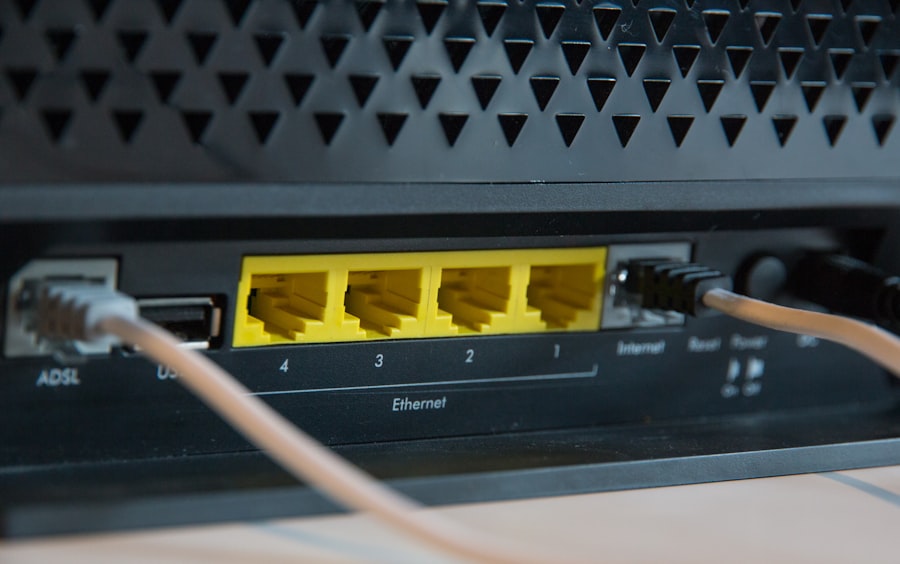
Search Engine Optimization (SEO) is how you get your website to appear higher in search engine results pages (SERPs) like Google. While content and backlinks are major players, your web host plays a significant supporting role.
Speed as an SEO Ranking Factor
As mentioned earlier, Google explicitly uses page speed as a ranking signal. If your site is slow, it’s automatically at a disadvantage compared to faster-loading competitors. Your host is the primary determinant of your site’s speed.
Mobile-First Indexing
Google primarily uses the mobile version of your content for indexing and ranking. A slow mobile experience is a major SEO killer, and your hosting performance directly impacts this.
Uptime and Availability
If your website is frequently down (low uptime), search engines will struggle to crawl and index it. Consistently low uptime signals to search engines that your site is unreliable, which can negatively impact your rankings. A reputable host will guarantee a high uptime percentage (e.g., 99.9%).
What “Uptime” Really Means
It’s not just about the server being powered on. It means your website is accessible and functioning correctly. Some hosts might have servers online but your site might still be unresponsive due to resource issues.
IP Address and Domain Reputation
Your website is assigned an IP address by your hosting provider. If the IP address your site is hosted on has a bad reputation (e.g., it’s been used by spammers or malicious sites), it can potentially cast a shadow on your own site’s reputation in the eyes of search engines. This is more common on shared hosting where you’re sharing an IP.
Dedicated IP Addresses
Some hosts offer dedicated IP addresses. This means your website has its own unique IP address, separating it from other sites and giving you more control over your IP’s reputation. This can be beneficial for larger sites or those with specific SEO strategies.
HTTPS and SSL Certificates
Google considers HTTPS (secured by SSL) a ranking signal. Having an SSL certificate, which is often facilitated or provided by your host, contributes positively to your SEO efforts.
Understanding how web hosting influences website speed, security, and SEO is crucial for any online business. For those looking to enhance their website’s performance, a related article discusses the benefits of faster NVMe storage and how it can significantly impact your site’s efficiency. You can read more about this topic in the article here. By optimizing your hosting choices, you can improve not only your site’s loading times but also its overall security and search engine rankings.
Choosing the Right Plan: It’s About More Than Just Price
| Aspect | Impact |
|---|---|
| Website Speed | Web hosting affects the loading speed of a website. A good hosting provider can offer faster loading times, while a poor one can slow down the website. |
| Website Security | The quality of web hosting can impact the security of a website. A secure hosting provider can offer features like SSL certificates, firewalls, and regular security updates. |
| SEO | Web hosting can affect the SEO performance of a website. Factors such as uptime, server location, and page loading speed can impact search engine rankings. |
The hosting market is flooded with options, and it can be overwhelming. The key is to match your hosting plan to your website’s needs and your business goals.
Understanding Your Website’s Needs
Before you even look at hosts, consider:
- Traffic Volume: How many visitors do you expect to get per month? High traffic requires more resources.
- Website Complexity: Is it a simple blog, an e-commerce store, or a complex web application? Dynamic content and interactive features demand more power.
- Technical Expertise: Are you comfortable managing server settings, or do you need a more hands-off, managed solution?
- Budget: While it’s important not to skimp, the cheapest option isn’t always the best.
Different Hosting Types Explained (Again, Briefly)
- Shared Hosting: Good for personal blogs, small business brochure sites, or brand new websites with minimal traffic. It’s the most budget-friendly.
- VPS Hosting: A step up from shared. Ideal for growing businesses, moderately trafficked websites, or those who need more control and better performance than shared hosting.
- Managed WordPress Hosting: Specifically optimized for WordPress sites, offering enhanced security, speed, and expert support tailored to the platform. Great if WordPress is your CMS.
- Cloud Hosting: Excellent for scalability, handling unpredictable traffic spikes, and ensuring high availability. Good for e-commerce and growing businesses.
- Dedicated Hosting: For large enterprises, high-traffic e-commerce giants, or applications with extreme performance and security requirements. It’s the premium option.
What “Unlimited” Really Means (Spoiler: It’s Not Really Unlimited)
Many hosts advertise “unlimited” bandwidth or storage. In reality, this almost always comes with a “fair usage policy.” If your site starts consuming excessive resources, they can throttle your speed or ask you to upgrade. It’s more about not having hard caps than truly unlimited capacity. Focus on the quality of resources and the support you receive.
When considering how web hosting impacts website speed, security, and SEO, it’s essential to understand the broader context of online presence. A well-optimized website not only enhances user experience but also plays a crucial role in attracting customers. For those looking to expand their business online, exploring the steps to launch a brick-and-mortar store online can provide valuable insights. You can find a comprehensive guide on this topic in the article launching your brick-and-mortar store online, which outlines effective strategies to ensure your online platform is both efficient and secure.
The Hidden Costs and What to Look Out For
Beyond the monthly price tag, there are other things to be aware of.
Renewal Rates
Be very careful with introductory pricing. Many hosting providers offer significant discounts for the first term (e.g., one year). When it’s time to renew, the price can jump considerably. Always check the renewal rates before signing up.
Upselling and Add-ons
Be prepared for hosting providers to try and sell you additional services like website builders, security suites, or domain privacy. While some might be useful, others are often overpriced or redundant. Know what you need before you get there.
Support Quality
When something goes wrong (and it will, at some point), good customer support is invaluable. Look for hosts that offer:
- 24/7 Support: Issues don’t always happen during business hours.
- Multiple Channels: Phone, live chat, email – offer options.
- Knowledgeable Staff: Do they answer your questions clearly and effectively, or do they give generic, unhelpful responses?
- Uptime Guarantees: A strong uptime guarantee with a clear compensation policy for breaches is a good sign.
What to Avoid
- Vague Policies: If the terms of service or backup policies are unclear, that’s a red flag.
- Aggressive Upselling: If every interaction feels like a sales pitch for unnecessary add-ons, it’s a sign they’re prioritizing sales over customer satisfaction.
- Consistently Poor Reviews: Do your homework and read reviews from actual users. Look for patterns in complaints.
Ultimately, your web host is a foundational component of your online presence. Taking the time to understand its impact on speed, security, and SEO, and choosing a provider that aligns with your website’s needs, will save you a lot of headaches and contribute significantly to your online success. Don’t just pick the cheapest option; pick the one that offers the best value for your specific situation.
FAQs
1. How does web hosting affect website speed?
Web hosting can affect website speed in several ways. The server’s hardware and software configuration, the server’s location, the hosting provider’s network infrastructure, and the server’s resource allocation can all impact website speed. A reliable and high-performance web hosting provider can help ensure faster website loading times.
2. How does web hosting affect website security?
Web hosting plays a crucial role in website security. A secure web hosting provider will offer features such as SSL certificates, firewalls, regular security updates, and robust server security measures. Additionally, the hosting provider’s security protocols and data center security can also impact the overall security of a website.
3. How does web hosting affect SEO?
Web hosting can impact SEO in various ways. Website speed, uptime, server location, and server response time are all factors that can influence a website’s search engine rankings. A reliable web hosting provider with fast servers and minimal downtime can positively impact a website’s SEO performance.
4. What are the key factors to consider when choosing a web hosting provider for website speed, security, and SEO?
When choosing a web hosting provider, it’s important to consider factors such as server performance, security features, uptime guarantees, server location, customer support, and scalability. Additionally, considering the hosting provider’s reputation, user reviews, and track record can help in making an informed decision.
5. How can website owners optimize their web hosting for better speed, security, and SEO?
Website owners can optimize their web hosting for better speed, security, and SEO by choosing a reliable hosting provider, optimizing website code and images for faster loading times, implementing security best practices, regularly updating software and plugins, and monitoring website performance and security. Additionally, utilizing content delivery networks (CDNs) and caching mechanisms can also help improve website speed and SEO performance.









Add comment