

Optimizing your hosting server’s performance is not a singular action, but an ongoing process demanding diligent observation and response. Effective monitoring strategies are the bedrock upon which a stable, fast, and reliable online presence is built. Without accurate and timely data, you are operating blind, unable to identify bottlenecks before they impact your users or, worse, cause outages. This guide outlines practical, actionable techniques to help you gain comprehensive oversight of your server infrastructure.
Before you can fine-tune your server, you must have the basic mechanisms in place to collect performance data. This involves selecting appropriate tools and configuring them to capture critical metrics.
Selecting Monitoring Tools
The market offers a diverse array of monitoring solutions, each with its own strengths and weaknesses. Your choice will depend on factors such as your budget, the complexity of your infrastructure, and your team’s technical expertise.
Open-Source Options
Open-source tools offer flexibility and cost-effectiveness. Linux-based systems inherently come with utilities like top, htop, vmstat, and iostat for immediate resource inspection. For more persistent data collection and visualization, Prometheus, Grafana, and Zabbix are leading choices. Prometheus excels at time-series data collection and alerting, while Grafana provides powerful visualization dashboards. Zabbix offers a comprehensive, agent-based monitoring system with extensive templating options.
Commercial Solutions
Commercial monitoring platforms often provide a more integrated experience with advanced features like AI-powered anomaly detection, predictive analytics, and dedicated support. Datadog, New Relic, and Dynatrace are prominent examples. These platforms typically offer agents that collect data from various components of your server stack, consolidating it into a centralized dashboard. While they come with subscription costs, the value proposition often lies in reduced operational overhead and enhanced insight.
Cloud Provider Monitoring
If your server infrastructure resides within a cloud environment like AWS, Azure, or Google Cloud, their native monitoring services are essential. AWS CloudWatch, Azure Monitor, and Google Cloud Monitoring provide detailed metrics specific to their respective services. These integrate seamlessly with other cloud resources and offer robust alerting capabilities. Leveraging these native tools alongside third-party solutions can provide a hybrid monitoring approach.
Defining Key Performance Indicators (KPIs)
Once you have your tools, you need to determine what to measure. Not all data is equally important. Focusing on critical KPIs ensures you’re tracking what truly matters for server health and application performance.
CPU Utilization
High CPU usage is a common indicator of a component under strain. Consistently high CPU percentages suggest that your server may be struggling to process requests, leading to slower response times. Monitoring average CPU load over time, as well as peak usage, helps identify periods of high demand. Understanding which processes consume the most CPU is crucial for optimization.
Memory Usage
Insufficient memory can lead to excessive swapping to disk, significantly degrading performance. Track both RAM utilization and swap space usage. A server constantly using a high percentage of its available RAM, or frequently swapping data, indicates a need for more memory or better memory management within applications.
Disk I/O
Disk input/output operations per second (IOPS) and throughput are vital for applications heavily reliant on reading from or writing to storage. Slow disk performance can impact database queries, file transfers, and application loading times. Monitor read/write latency, IOPS, and disk queue length to pinpoint storage bottlenecks.
Network Throughput and Latency
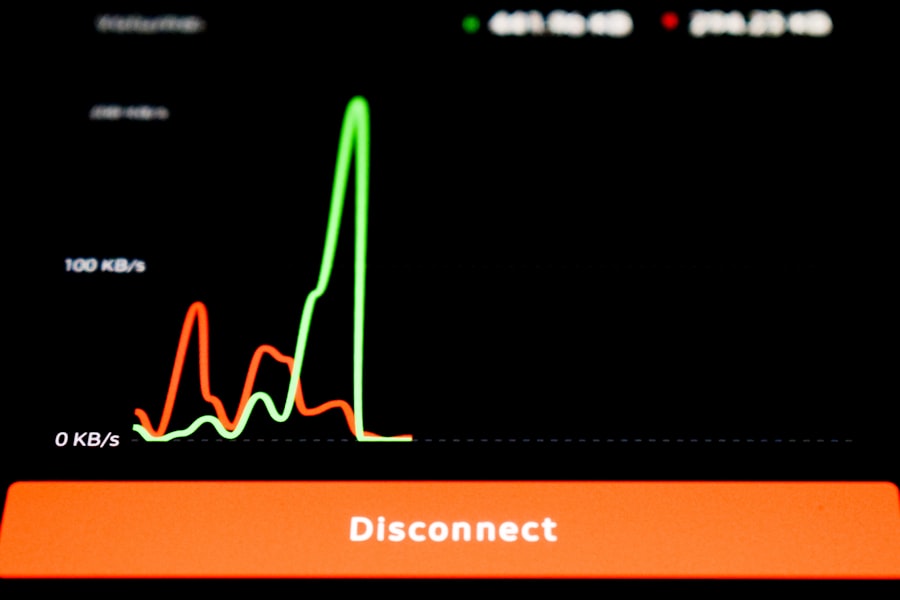
For web servers and network-intensive applications, monitoring network traffic is paramount. Track incoming and outgoing bandwidth, packet loss, and network latency. High latency or packet loss can severely impact user experience, even if the server itself has ample resources.
Server Uptime and Availability
This is a fundamental metric. Your server needs to be accessible. Regular pings and HTTP checks ensure your server and the services it hosts are responsive. Downtime represents a direct loss of service and potential revenue.
To effectively monitor hosting server performance, it’s essential to understand various metrics and tools that can help you maintain optimal server health. A related article that delves deeper into this topic is available at Hostings House, where you can find valuable insights and strategies for enhancing your server management practices.
Granular System-Level Monitoring
Beyond foundational metrics, digging deeper into specific system resources provides a more detailed picture of your server’s health.
Process Monitoring
Understanding individual processes running on your server is critical for identifying resource hogs and potential anomalies.
Resource-Intensive Processes
Tools like top, htop, or their commercial counterparts allow you to view processes sorted by CPU, memory, or disk usage. Pinpointing which applications or services are consuming the most resources helps you prioritize optimization efforts. A sudden spike in resource usage by an unexpected process might indicate a security breach or a misconfigured application.
Orphaned Processes
Processes that fail to terminate correctly can accumulate over time, consuming resources without providing any value. Regularly scanning for and terminating orphaned processes can free up valuable CPU and memory. Automated scripts can assist in this clean-up.
Log File Analysis
Log files are a treasure trove of information, detailing everything your server does. Effective log analysis can reveal errors, security events, and performance issues long before they become critical.
Error Logs
Application and system error logs provide immediate insight into software faults. Web server error logs (e.g., Apache, Nginx) indicate issues with serving content. Database error logs highlight problems with data access or integrity. Implementing centralized log management solutions like Elastic Stack (Elasticsearch, Logstash, Kibana) or Splunk can make parsing and analyzing these logs more efficient.
Access Logs
Web server access logs record every request made to your server. Analyzing these logs can reveal popular pages, traffic patterns, and potential attacks (e.g., brute-force attempts, SQL injection probes). Traffic spikes in access logs can be correlated with resource strain.
Security Logs
Audit logs and firewall logs provide critical information about attempted and successful security events. Monitoring failed login attempts, unauthorized access attempts, and changes to system configurations can help you detect and respond to security threats proactively.
Application-Level Monitoring
Your server hosts applications, and their performance is directly tied to the user experience. Monitoring at the application layer provides crucial context.
Web Server Performance
For most hosting environments, the web server is the primary interface. Its performance directly impacts website loading times and user satisfaction.
Request Latency
The time it takes for your web server to process a request and send a response is a critical metric. High latency can be caused by inefficient application code, slow database queries, or resource contention on the server. Monitoring average and peak request latency helps identify performance bottlenecks.
Concurrent Connections
Tracking the number of active connections to your web server helps you understand demand and identify potential capacity limitations. A sudden increase in concurrent connections might indicate a surge in traffic (good) or a denial-of-service attack (bad).
Error Rates
Monitoring HTTP error codes (e.g., 4xx client errors, 5xx server errors) provides insights into application stability and user experience. A rising rate of 5xx errors typically indicates a problem with your application or server-side components.
Database Performance
Databases are often the bottleneck in dynamic web applications. Their performance directly impacts the speed and responsiveness of your services.
Query Execution Times
Slow database queries can significantly delay page loads. Monitoring individual query execution times and identifying habitually slow queries is a key optimization strategy. Database-specific monitoring tools often provide detailed insights into query plans and index usage.
Connection Pooling
Efficient management of database connections is vital. Monitor the number of active database connections and the connection pool size to prevent resource exhaustion or unnecessary overhead. Overly frequent connection establishment and teardown can strain your database server.
Replication Lag
If you utilize database replication for high availability or load balancing, monitoring replication lag is essential. Significant lag between your primary and replica databases can lead to data inconsistency and impact application behavior.
Advanced Monitoring and Alerting
Moving beyond basic data collection, advanced techniques and robust alerting mechanisms ensure you are informed of critical issues as they arise.
Anomaly Detection
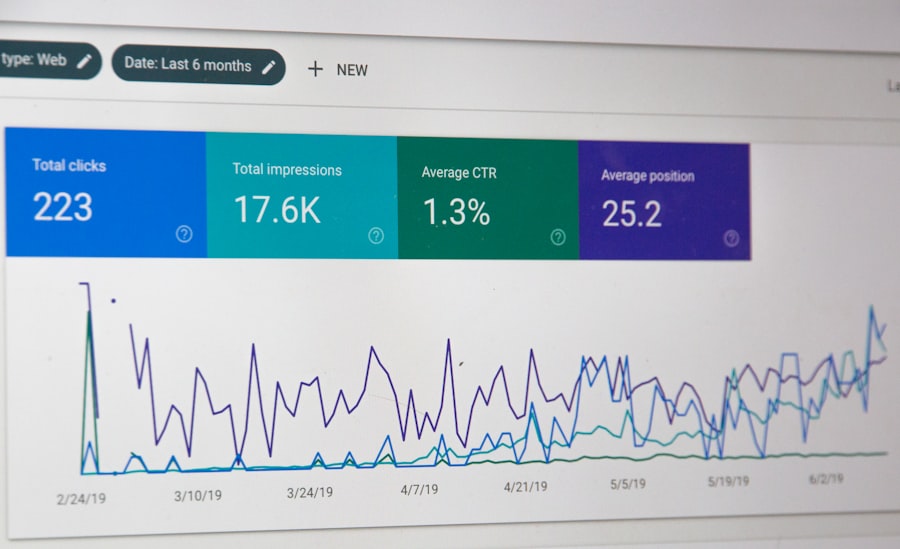
Manually reviewing performance graphs for anomalies is time-consuming and prone to human error. Automated anomaly detection algorithms can identify unusual patterns in your metrics that deviate from normal behavior, even if they don’t cross predefined thresholds.
Machine Learning-Based Analysis
Many commercial monitoring solutions leverage machine learning to establish baselines of normal server behavior. When metrics deviate significantly from these baselines, an alert is triggered. This approach can detect subtle performance degradations that might otherwise go unnoticed.
Threshold-Based Alerting with Historical Context
While simple threshold-based alerts (e.g., CPU > 90%) are a good start, incorporating historical data can refine them. For instance, an alert for high CPU usage might only trigger if CPU has been above 80% for the last 15 minutes and is significantly higher than the average for that time of day.
Predictive Analytics
Gaining visibility into future performance trends allows you to proactively scale resources or address potential issues before they impact users.
Capacity Planning
By analyzing historical resource utilization data, you can predict when your server will reach its capacity limits. This enables you to plan for upgrades or scaling events in advance, preventing unexpected performance degradation.
Trend Forecasting
Forecasting tools can project future resource needs based on current growth rates. This is especially valuable for anticipating traffic spikes or preparing for seasonal demand fluctuations.
Centralized Logging and Metrics Aggregation
Having a single pane of glass for all your monitoring data simplifies analysis and response.
Benefits of Centralization
Centralizing logs and metrics from disparate servers and applications allows for correlation of events. An error in a web server log might be correlated with a spike in database query times, providing a clear causal link. It also streamlines incident response, allowing your team to quickly gather all relevant information in one place.
Tools for Aggregation
Solutions like ELK Stack (Elasticsearch, Logstash, Kibana), Graylog, or commercial offerings often include agents that collect data from various sources (servers, applications, network devices) and send it to a central repository for indexing, analysis, and visualization.
To ensure optimal performance of your hosting server, it’s essential to implement effective monitoring strategies that can help identify potential issues before they escalate. For those looking to expand their online presence, understanding the nuances of launching a brick-and-mortar store online can also provide valuable insights into server performance needs. You can explore this topic further in the article on launching your brick-and-mortar store online, which offers a comprehensive step-by-step guide that complements your server performance monitoring efforts.
Responding to Monitoring Data
| Metrics | Description |
|---|---|
| CPU Usage | Percentage of CPU being used by the server |
| Memory Usage | Amount of RAM being used by the server |
| Network Traffic | Amount of data being sent and received by the server |
| Disk I/O | Input and output operations on the server’s disk |
| Server Uptime | Duration for which the server has been running without interruption |
Collecting data is only half the battle. The true value of monitoring lies in your ability to interpret the data and take informed action.
Interpreting Alerts
An alert is not an end in itself; it is a call to action. You must understand what the alert signifies and what potential impact it has.
Prioritizing Issues
Not all alerts are created equal. Critical alerts (e.g., server downtime, high error rates) require immediate attention, while informational alerts might indicate potential issues that can be addressed during scheduled maintenance. Implement a clear prioritization scheme based on business impact.
Root Cause Analysis
When an alert fires, your goal is to identify the underlying cause, not just the symptom. Use your comprehensive monitoring data to trace the problem back to its origin. Was it a misconfigured application, a resource bottleneck, a traffic surge, or a security incident?
Automation and Remediation
Where possible, automate responses to common issues to minimize downtime and operational overhead.
Auto-Scaling
In cloud environments, configure auto-scaling policies to automatically adjust server resources based on demand. For example, if CPU utilization exceeds a certain threshold, a new instance can be provisioned.
Self-Healing Scripts
For predictable issues, scripts can be deployed to automatically restart services, clear caches, or perform other remedial actions upon detection of specific events or alerts. While powerful, these require careful testing to prevent unintended consequences.
Alert Routing and Incident Management
Integrate your monitoring system with an incident management platform. This ensures that alerts are routed to the correct teams or on-call personnel, with clear escalation paths and communication protocols. Tools like PagerDuty or Opsgenie facilitate this process.
By implementing these monitoring techniques, you move from a reactive approach to server management to a proactive one. This comprehensive oversight will equip you to maintain optimal server performance, ensure application stability, and provide a consistently reliable experience for your users.
FAQs
1. Why is it important to monitor hosting server performance?
Monitoring hosting server performance is crucial for ensuring that websites and applications hosted on the server are running smoothly and efficiently. It helps in identifying and addressing any potential issues before they escalate and impact the user experience.
2. What are the key metrics to monitor for hosting server performance?
Key metrics to monitor for hosting server performance include CPU usage, memory usage, disk I/O, network traffic, server response time, and uptime/downtime. These metrics provide insights into the overall health and performance of the server.
3. What are some effective tools for monitoring hosting server performance?
There are several effective tools for monitoring hosting server performance, including Nagios, Zabbix, New Relic, Datadog, and SolarWinds. These tools offer features such as real-time monitoring, alerting, and performance analysis to help maintain server health.
4. How often should hosting server performance be monitored?
Hosting server performance should be monitored regularly, ideally in real-time or at frequent intervals. Continuous monitoring allows for early detection of issues and proactive management of server performance.
5. What are the best practices for effectively monitoring hosting server performance?
Best practices for effectively monitoring hosting server performance include setting up automated alerts for critical metrics, establishing baseline performance benchmarks, regularly analyzing performance data, and implementing proactive maintenance based on monitoring insights.









Add comment